

Libraries
Your organization's knowledge as the source of answers
Manuals, policies, template contracts and procedures often sit scattered in folders no one checks. With libraries, NiuCore answers based on the company's documents, and each area only consults the ones that belong to it.
Documents
Company documents, organized by topic
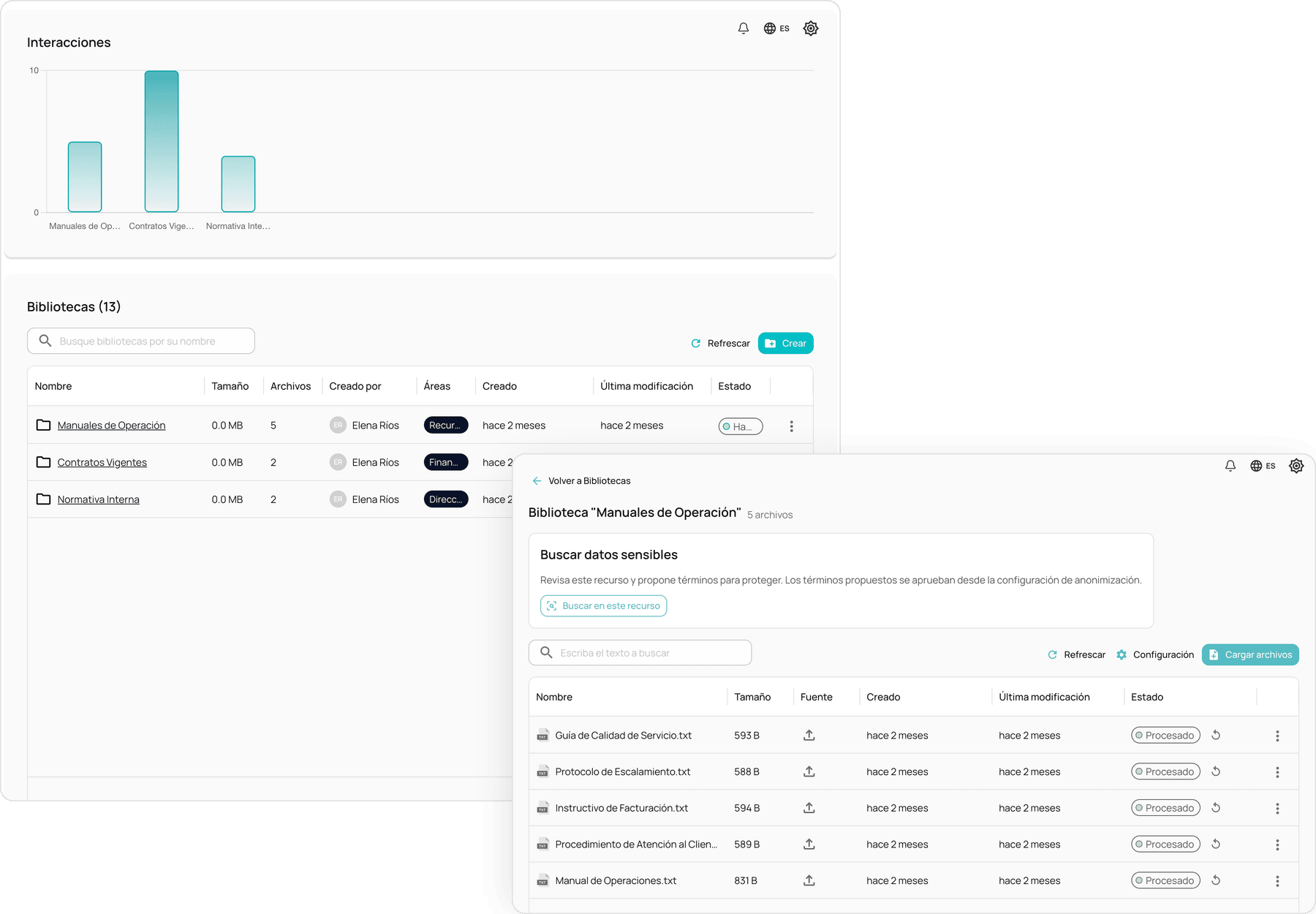
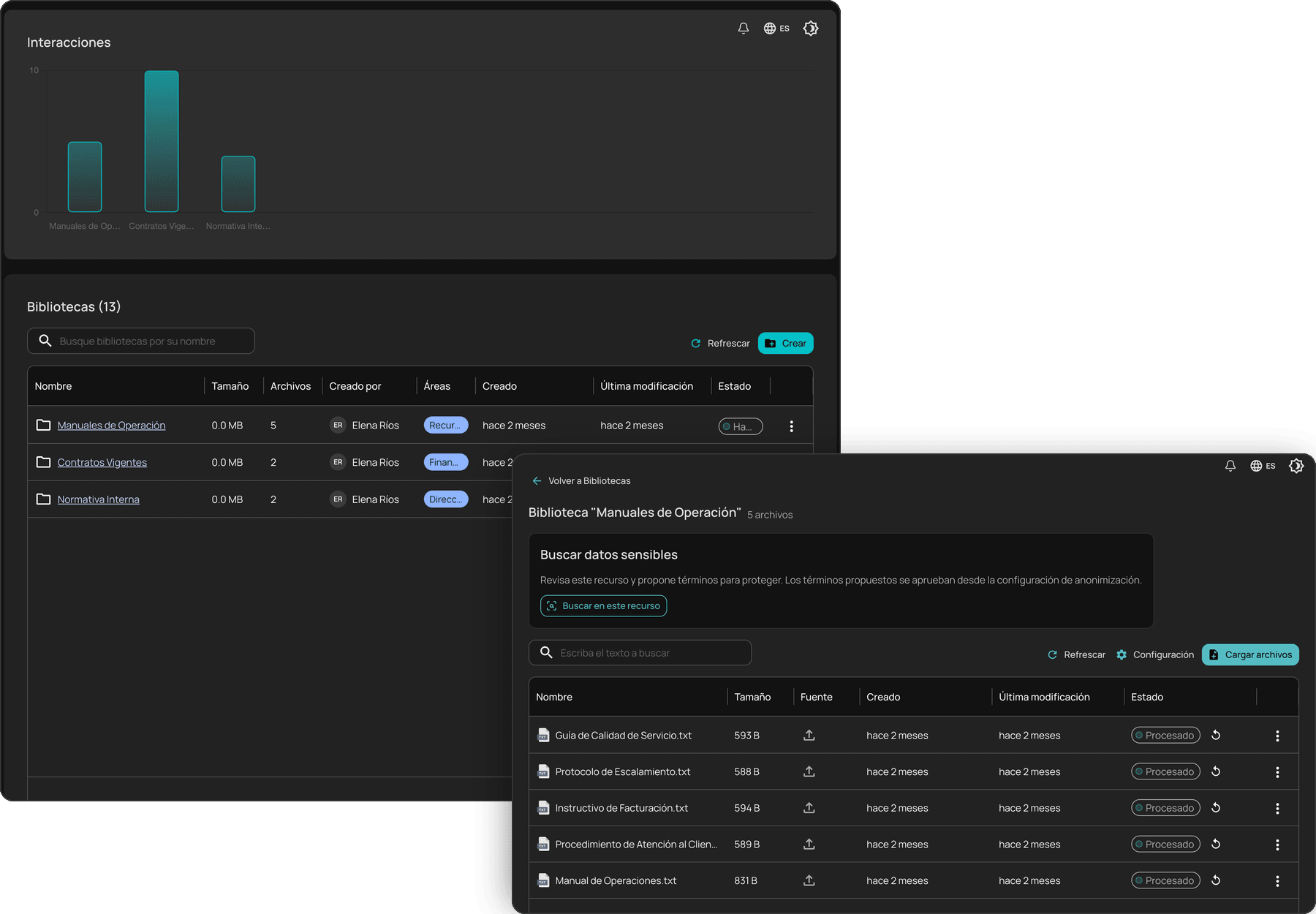
Each library brings together the documents of a topic or process: internal regulations, current contracts, operating manuals. NiuCore processes and indexes them to answer based on them, and each library's detail shows its files, their source and their processing status.
- One library per topic, process or team
- Processing status for every file
- Answers that cite the documents they are based on
Upload
Documents from your computer or from the services you already use
Documents are added from the libraries module, by dragging them from your computer, or from the conversation itself. They can also be imported from OneDrive, Google Drive or Confluence, with the account the employee has connected.
- DOC, DOCX, TXT, XLSX and PDF formats
- Up to 30 files per upload and 25 MB per file
- Import from OneDrive, Google Drive and Confluence
Access by area
Each library, available to the areas that need it
A library is assigned to one or more areas, and only their members consult it. This way, the legal area's contracts do not appear in the sales area's answers. Each library can also enable its own connectors and skills.
- Assignment to one or more areas
- Connectors and skills that can be enabled per library
- Libraries that can be switched on or off without deleting them
Protection
Documents indexed with sensitive information already replaced
With active anonymization, documents are indexed with sensitive data replaced by placeholders, so the content that reaches the models does not expose the original information. From each library, NiuCore can review the documents and suggest terms to protect; an administrator approves them from the anonymization settings.
- Indexing with active anonymization
- Sensitive data search in every library
- Reindexing when the company dictionary is updated
Before you subscribe
Frequently asked questions
Which file formats do libraries accept?
DOC, DOCX, TXT, XLSX and PDF, up to 30 files per upload and 25 MB per file.
Who can consult a library?
The members of the areas it is assigned to. A library can be assigned to several areas, and the company decides who creates and manages libraries through roles and permissions.
Can documents be imported from Google Drive or OneDrive?
Yes. Besides manual upload, libraries import documents from OneDrive, Google Drive and Confluence, with the account the employee has connected.
How many libraries can a company create?
There is no limit. Libraries, like areas, rules and skills, are unlimited in every license.