

Ask for approval
Default mode. NiuCore asks the user before carrying out each action: sending an email, creating an event, modifying a file.
Integrations
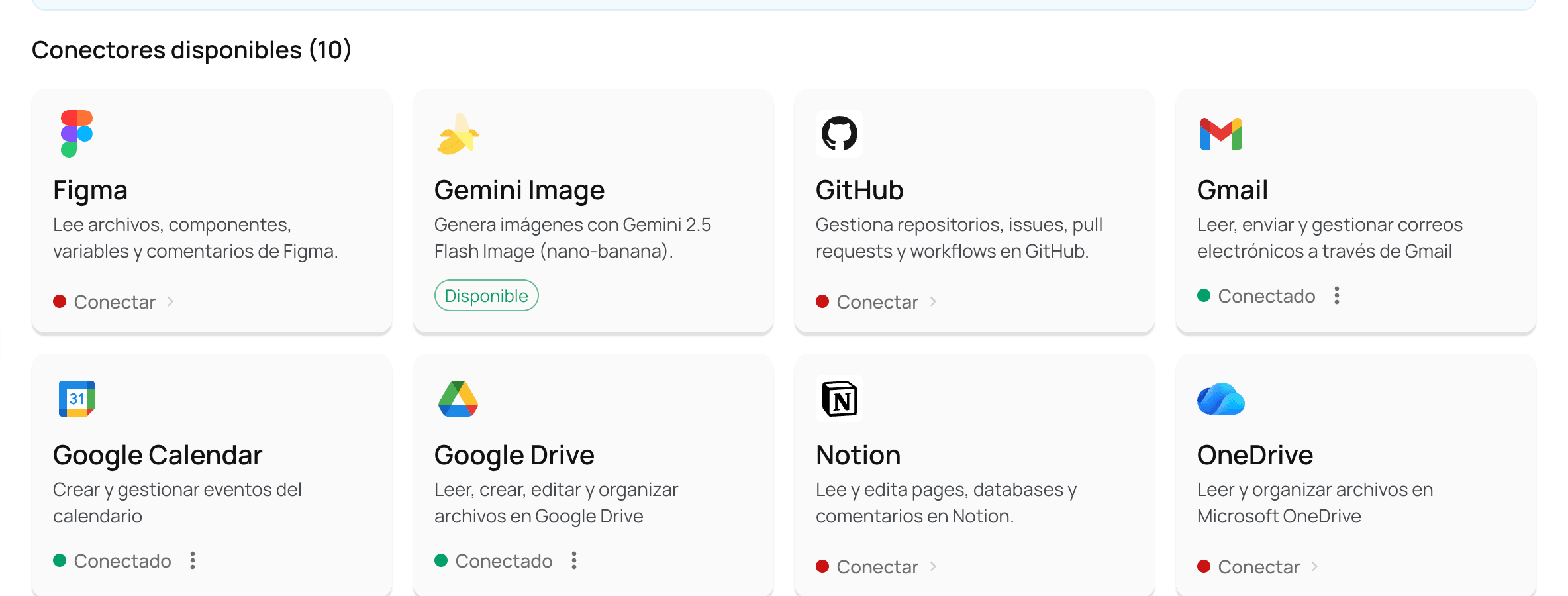
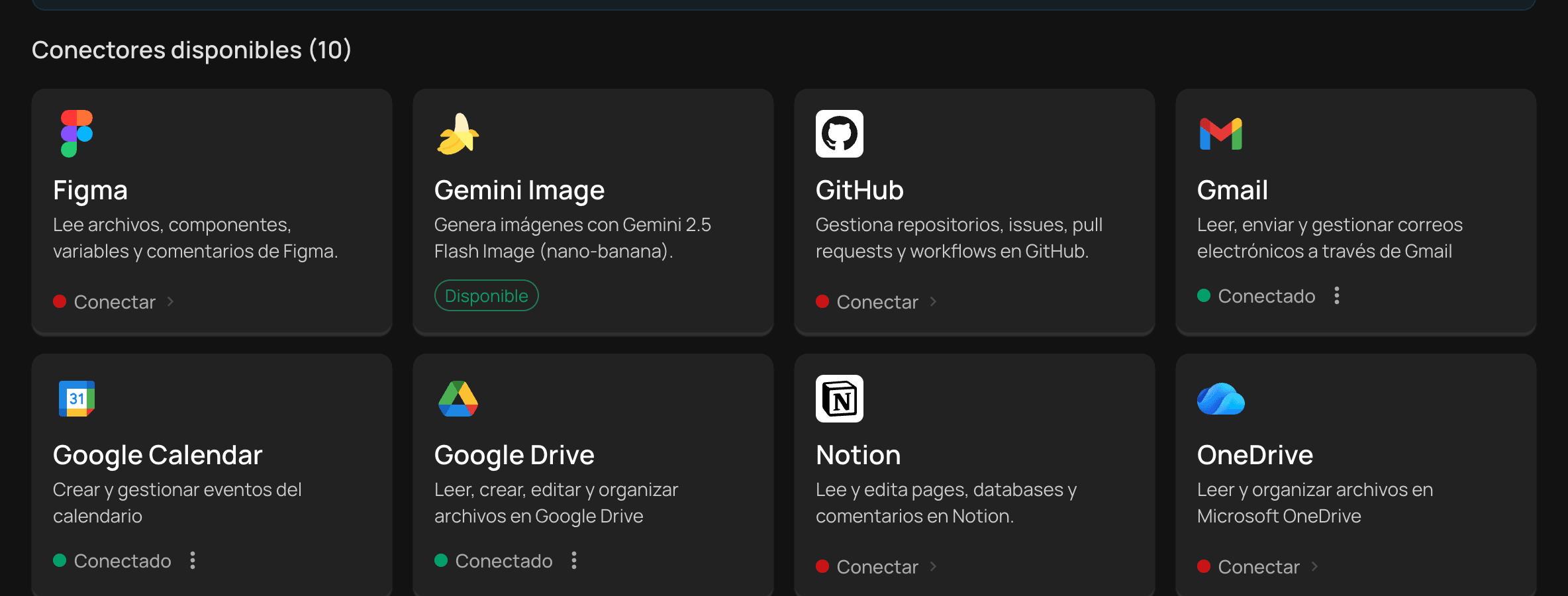
A good part of the working day goes into moving information from one application to another. With connectors, employees consult files, emails and calendars and carry out actions from a single conversation, with the permissions the company authorizes.
Connectors
Each employee authorizes access with their own account and can revoke it at any time.
| Connector | Read | Actions |
|---|---|---|
| Google Drive | List, search and read files; recent and shared files; folder contents; download | Create files and folders; copy, move, rename, share and delete |
| Microsoft OneDrive | List, search and read files; recent and shared files; download | Create files |
| Gmail | List, search and read emails; labels | Send emails, with or without attachments; create drafts; reply; move to trash |
| Google Calendar | Calendars and events; search; availability check | Create events, including recurring ones; update and delete; invite attendees |
| Slack | Channels, history and threads; users; message search; files | Send, reply to, edit and delete messages; reactions; upload and share files |
| Notion | Search; pages, blocks and databases; comments | Create and update pages, blocks and databases; archive; comment |
| Confluence (Atlassian) | Spaces, pages and attachments; search; text export | — (read only) |
| GitHub | Repositories, branches, code, commits, issues, pull requests and workflow runs | Create branches, files, issues and pull requests; comment, review and merge; re-run workflows |
| Figma | Files, components, styles, variables, projects and comments | Create and delete comments; dev resources |
Tools built into the platform: web search with content extraction, and image generation.
Control
Connectors are enabled by area, so each team has only the integrations its process requires. The company can also authorize or restrict specific actions within a connector—for example, allowing emails to be read but not sent.
Action approval
No action affecting the organization's systems is carried out without the user having decided it.
Default mode. NiuCore asks the user before carrying out each action: sending an email, creating an event, modifying a file.
NiuCore first presents the work plan; the user reviews and approves it before execution begins.
The user authorizes NiuCore to carry out actions without asking at each step. It is turned on explicitly.
The choice of mode belongs to each user; the company does not restrict it. What the company does define is which connectors it enables in each area and which actions it authorizes on each connector.
Protection
The results a connector delivers to the conversation—the content of an email, a document or an event—go through active anonymization before being sent to the model.
API
NiuCore's public API makes it possible to bring conversations, libraries, skills and analytics into the company's systems, preserving the permissions, license and usage capacity of the user on whose behalf each credential acts.